All free tools
Browser mockup maker for product screenshots
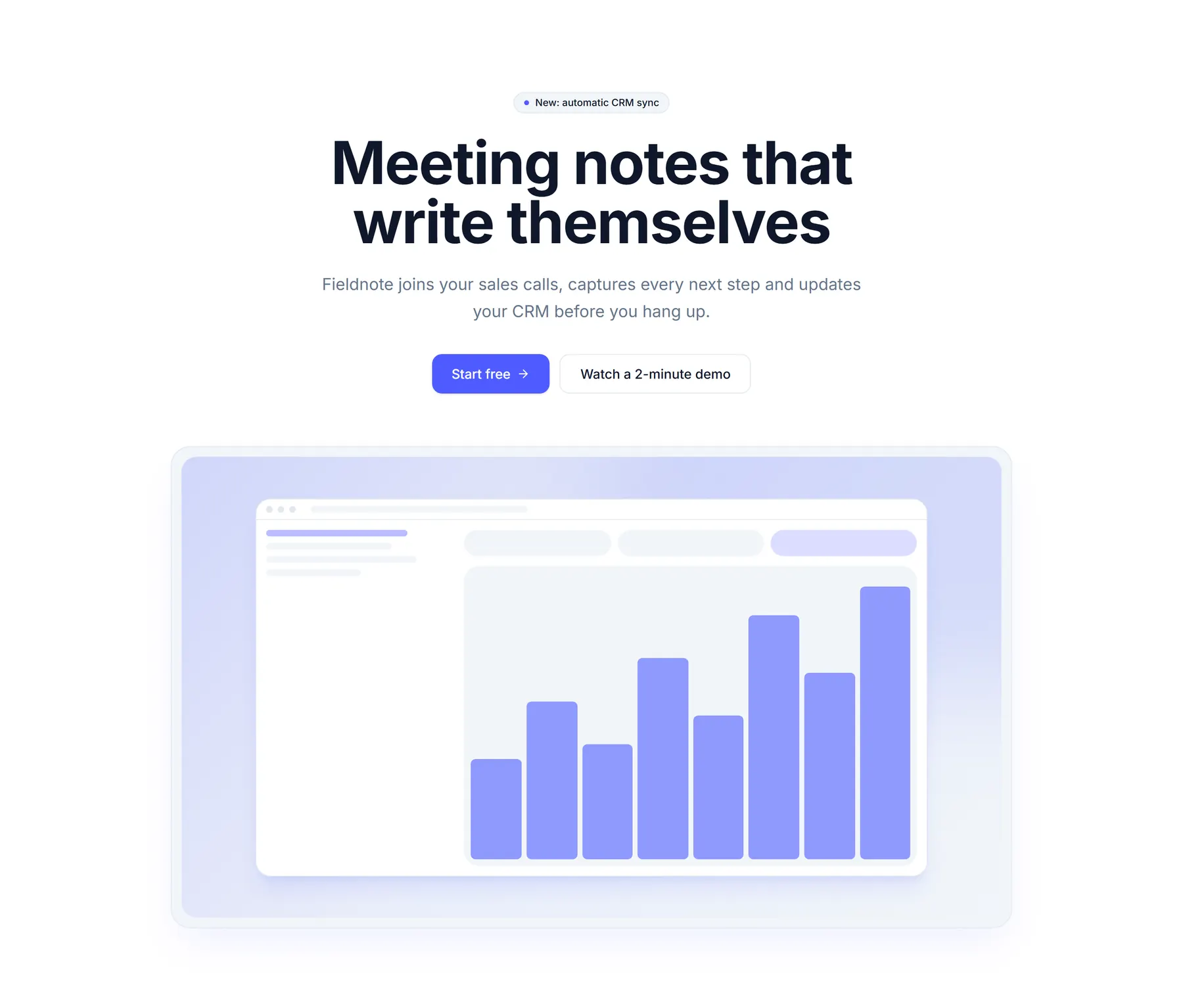
Drop a product screenshot to put it in a clean browser frame on a calm background. Download it as a PNG or copy it, and your image never leaves your browser.
Screenshot
96 px
12 px
Exports at 2x size. Your screenshot is processed on this device only.
Preview
yourproduct.com
Questions
- What is a browser mockup?
- A browser mockup is a screenshot of your product shown inside a simple browser window, with dots and an address bar on top. It tells the visitor this is a real web app and makes a flat screenshot look finished on a landing page, in a deck or in a social post.
- Is this browser mockup maker free?
- Yes. It is free to use with no sign-up and no watermark. Download as many PNG files as you need.
- Is my screenshot uploaded to a server?
- No. The image stays in your browser. The tool draws the mockup on your device with a canvas, and nothing is sent to BlockSnap or anyone else.
- What is the best size for a hero screenshot?
- Capture your product at a desktop width of about 1280 to 1440 pixels and export at 2x, so the image stays sharp on high density screens. Crop to the part that shows the main job of the product, and keep the file light by saving it as WebP or AVIF for the web.
Now put it on a real landing page
BlockSnap builds the whole landing page around your product shot, with a hero, features and pricing you can snap to new styles.
Get early access