Landing page wireframe builder
Pick a layout for every section of your SaaS landing page, snap between them and drag sections into any order. The page updates as you go. Download the wireframe as SVG or PNG, share the link, or let BlockSnap build it with real copy.
Sections
Navigation bar
Links left, next to the logo · 1/7
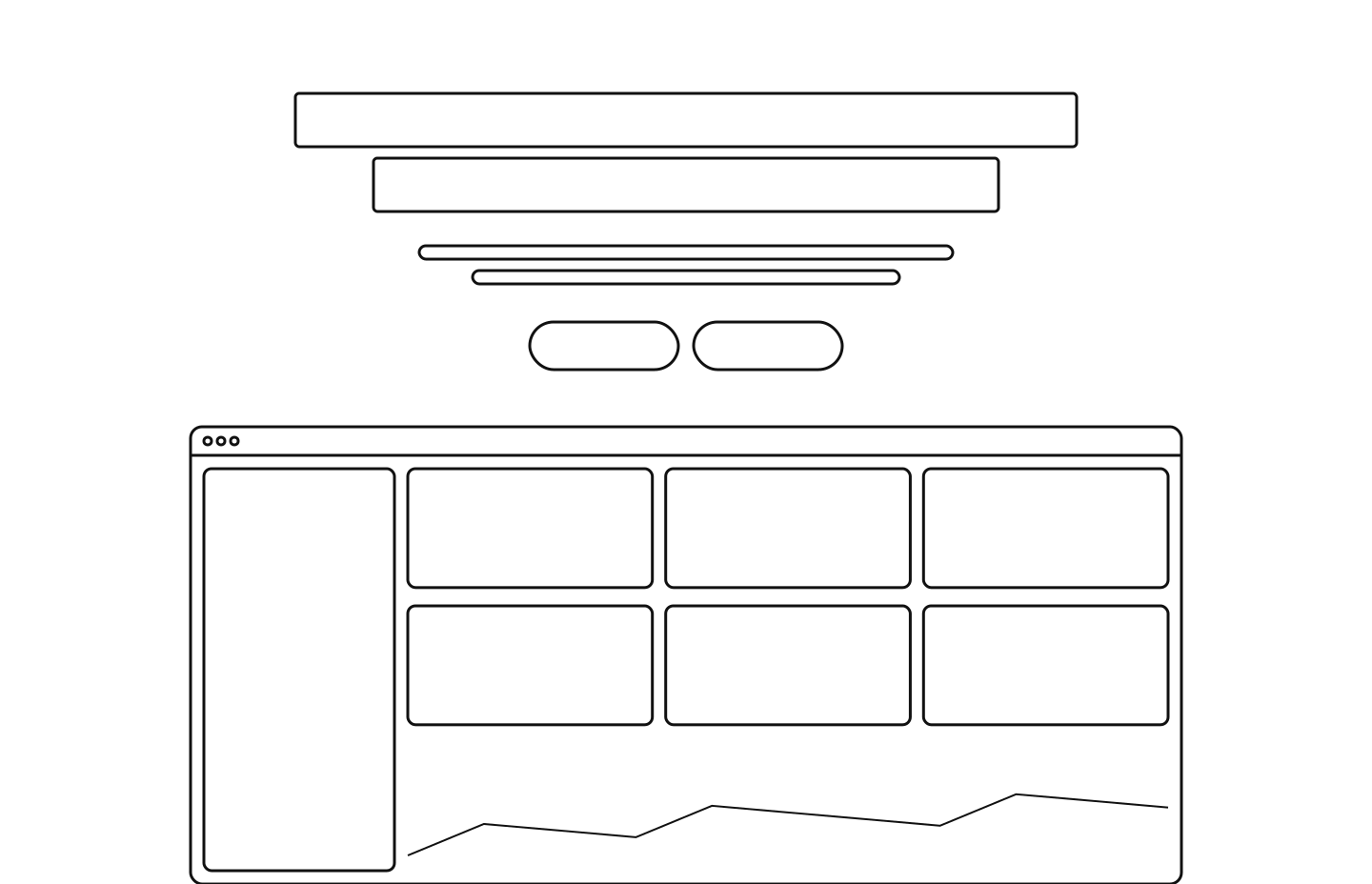
Hero
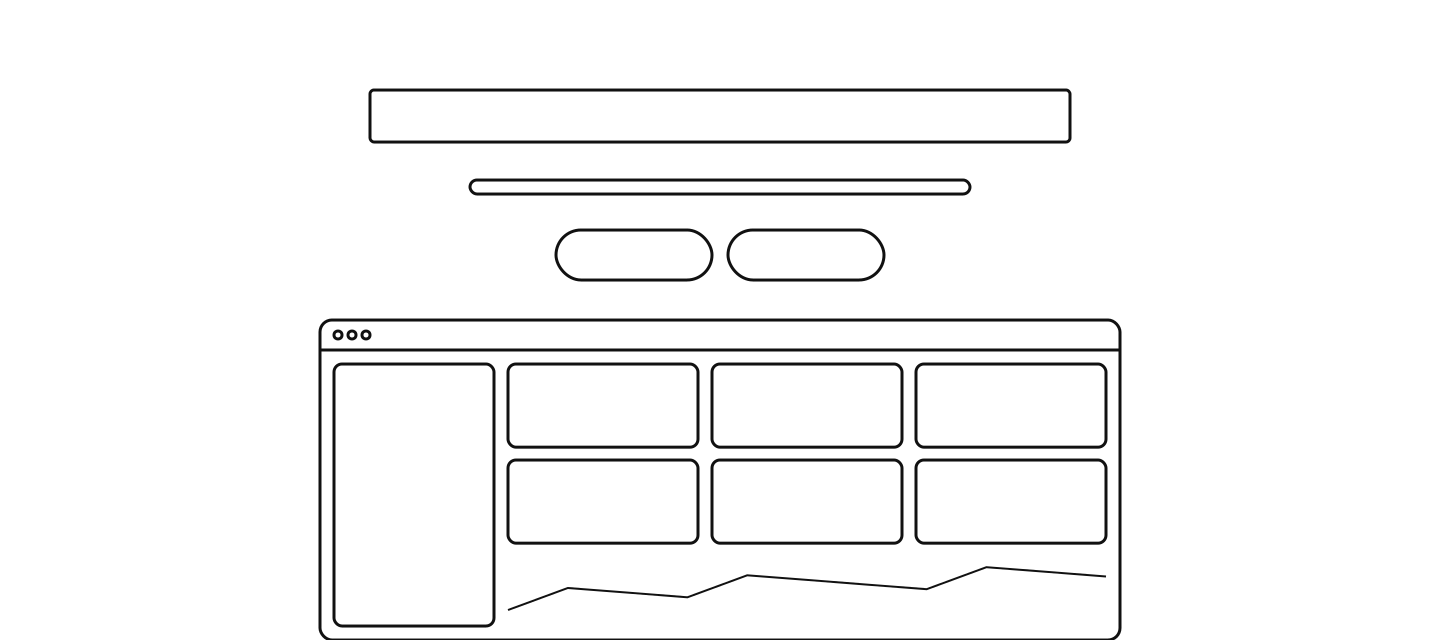
Centred stack, product below · 1/8
Customer logos
Caption and a single logo row · 1/6
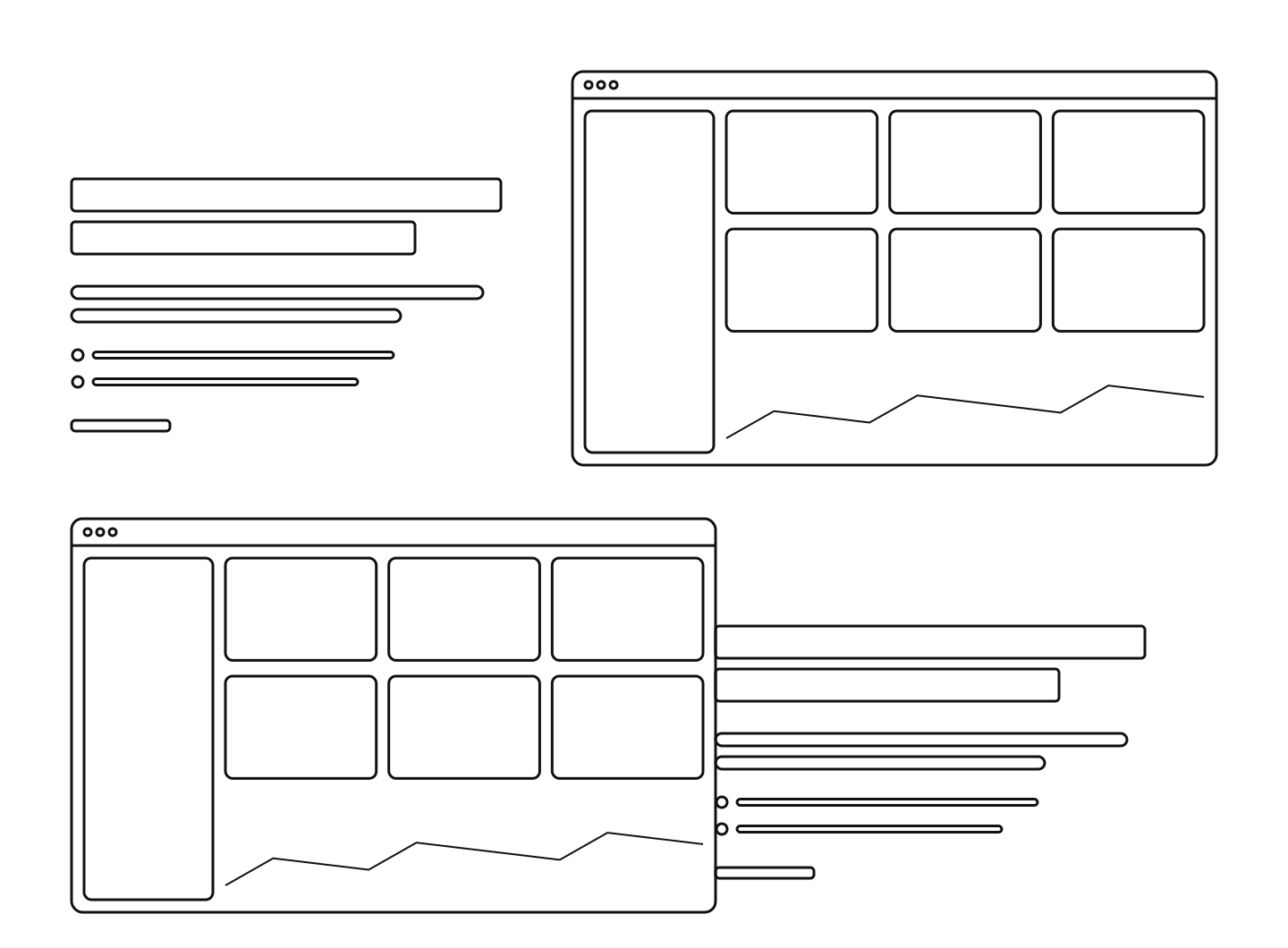
Features
Alternating text and visual rows · 1/8
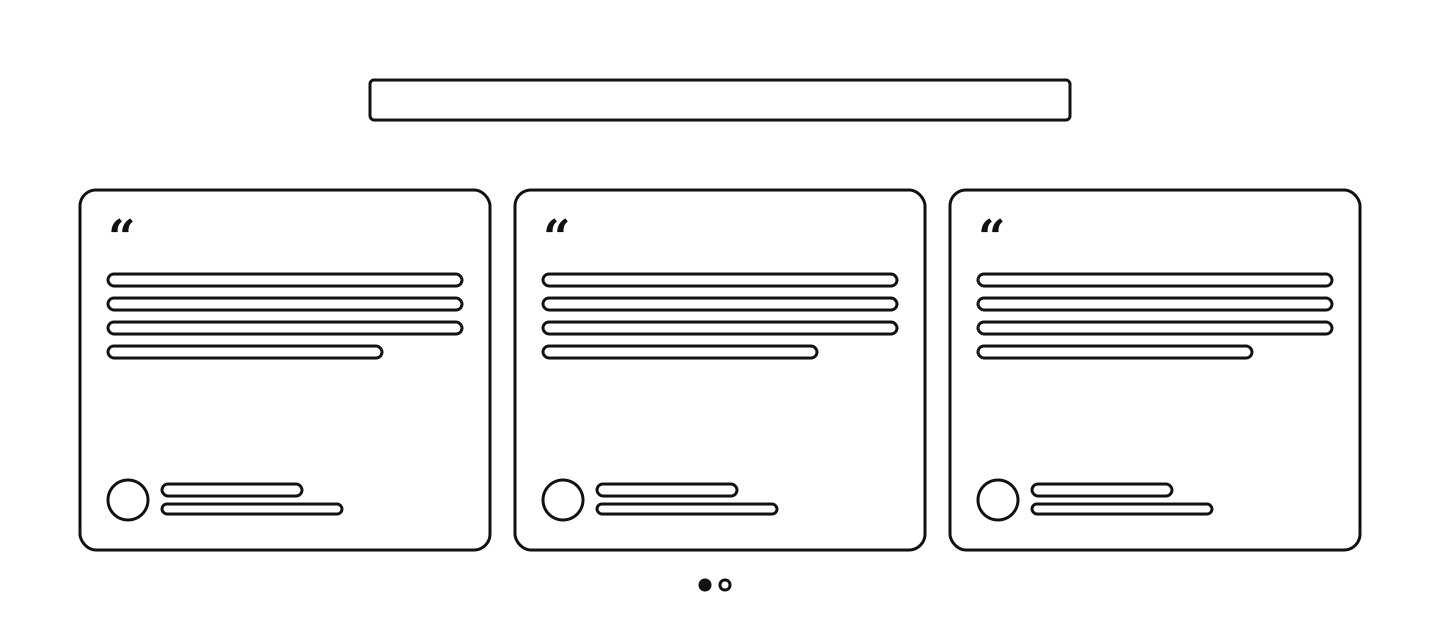
Testimonials
Row of quote cards · 2/7
Pricing
Pricing teaser · 2/5
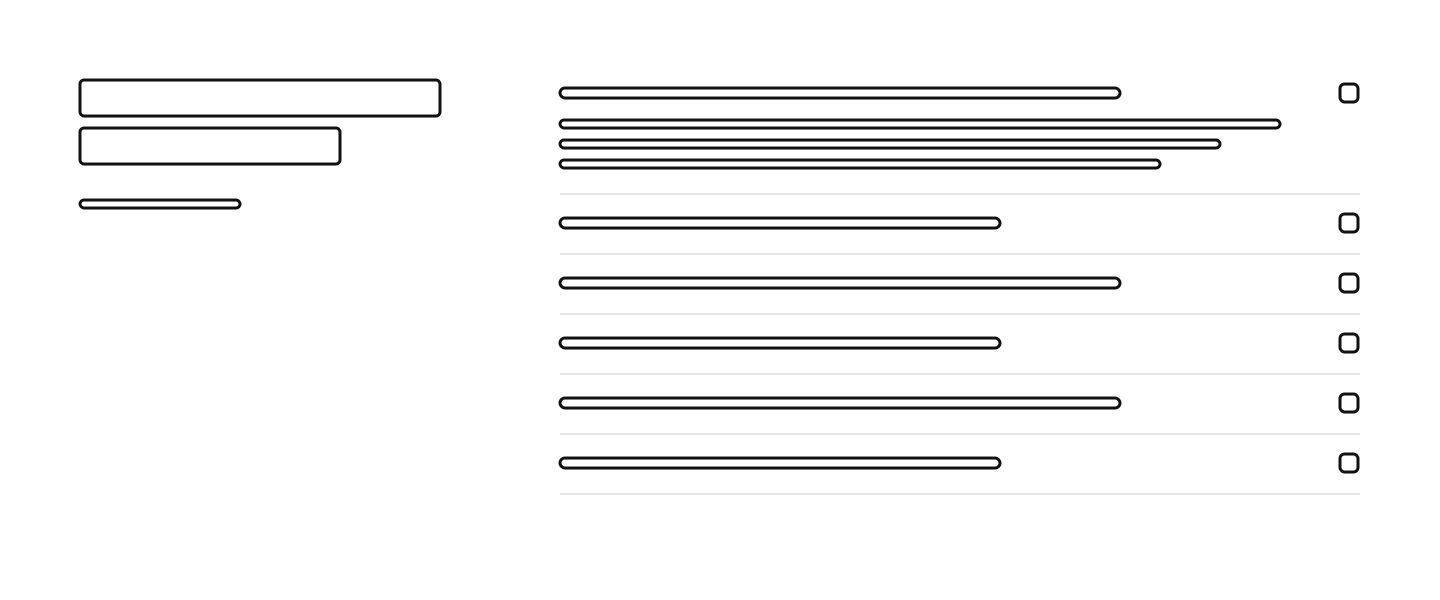
FAQ
Heading left, accordion right · 2/5
Call to action
Centred on white · 1/8
Footer
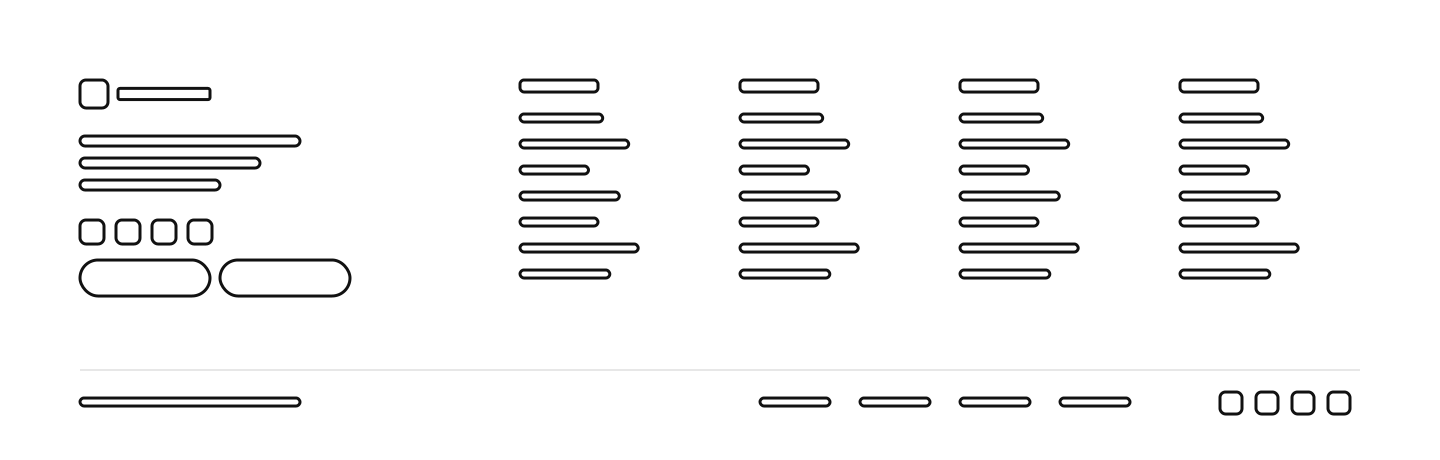
Brand column and sitemap · 1/6
Add a section
Free to use under CC BY 4.0. The file carries a small credit line; keep it, or credit “Wireframe by BlockSnap” with a link. CC BY 4.0
Now fill it with your words
Describe your product in one sentence. BlockSnap writes the copy and builds this exact page, and every section still snaps.
Build this page with real copyYour page



Questions about wireframes
- What is a landing page wireframe?
- A simple drawing of a page’s structure: which sections it has, in what order, and how each one is laid out, before any real copy or design.
- Is this wireframe builder free?
- Yes. Build as many wireframes as you like and download them as SVG or PNG. They are free to use under CC BY 4.0.
- Which sections should a SaaS landing page wireframe have?
- Start with nine: navigation, hero, customer logos, features, testimonials, a pricing teaser, an FAQ, a closing call to action and a footer. Add a tour, stats or integrations when your product needs them.
- Can I turn the wireframe into a real page?
- Yes. Join BlockSnap and it builds this exact page with copy for your product, and you can still snap every section to another layout.